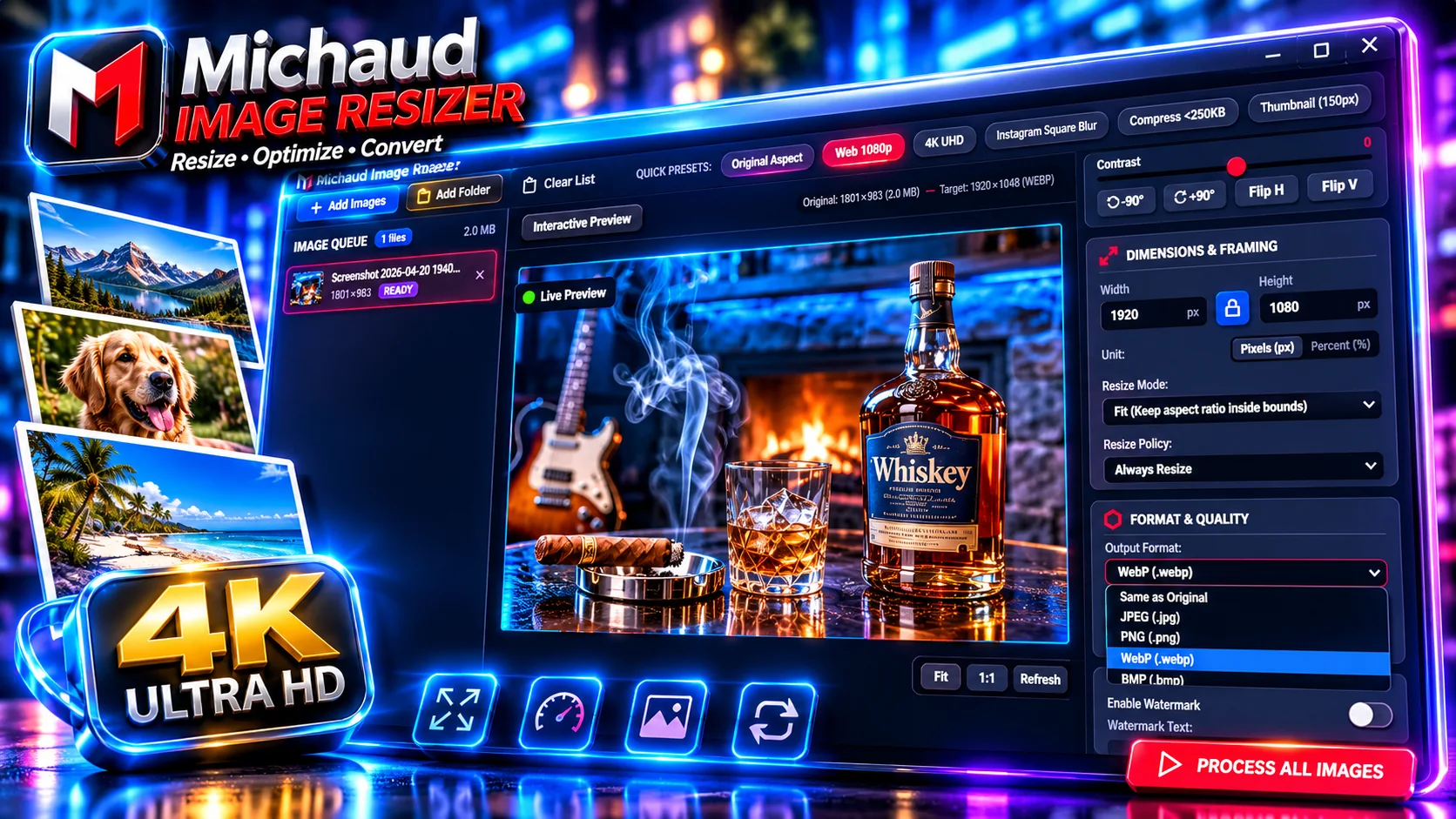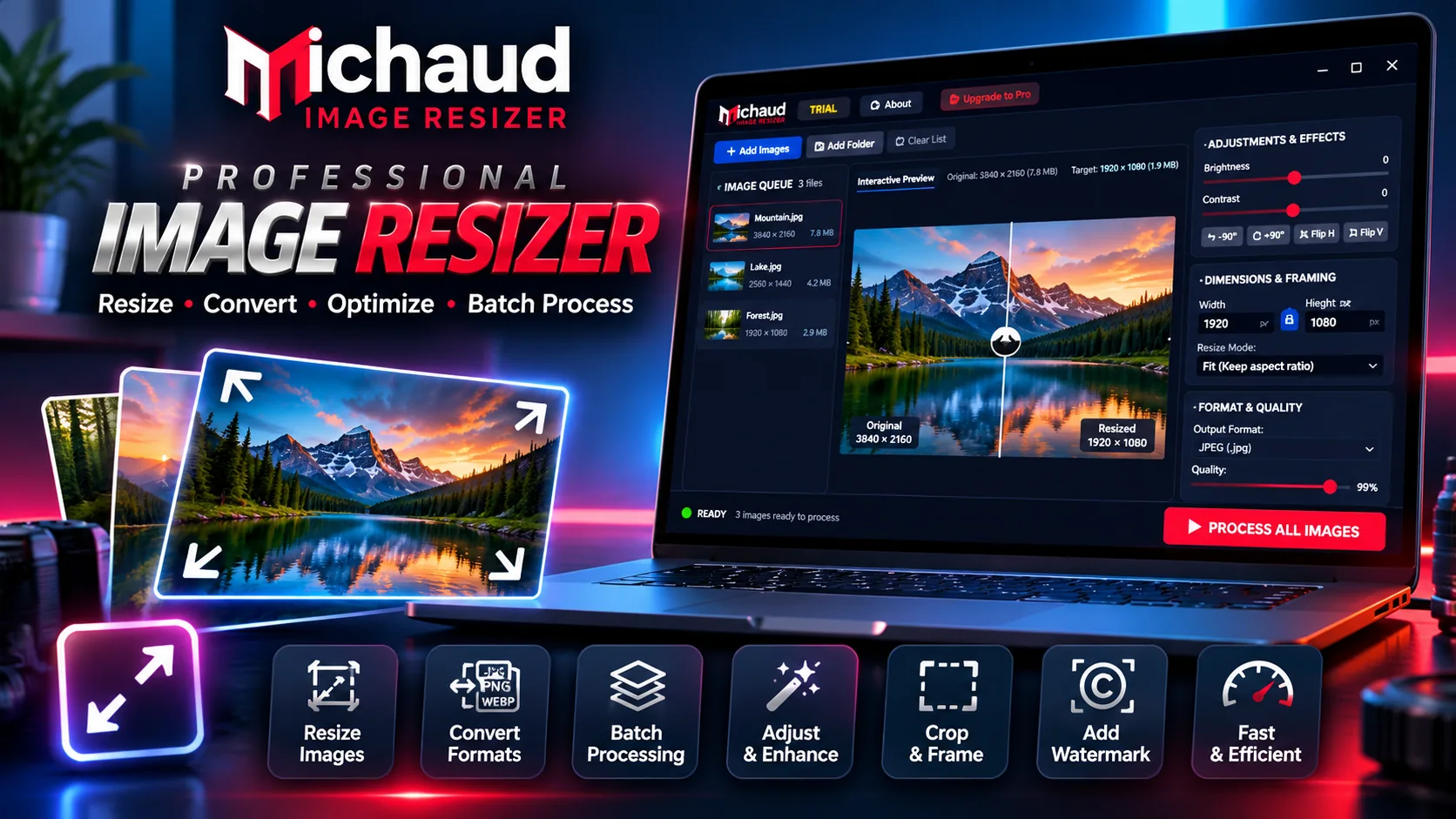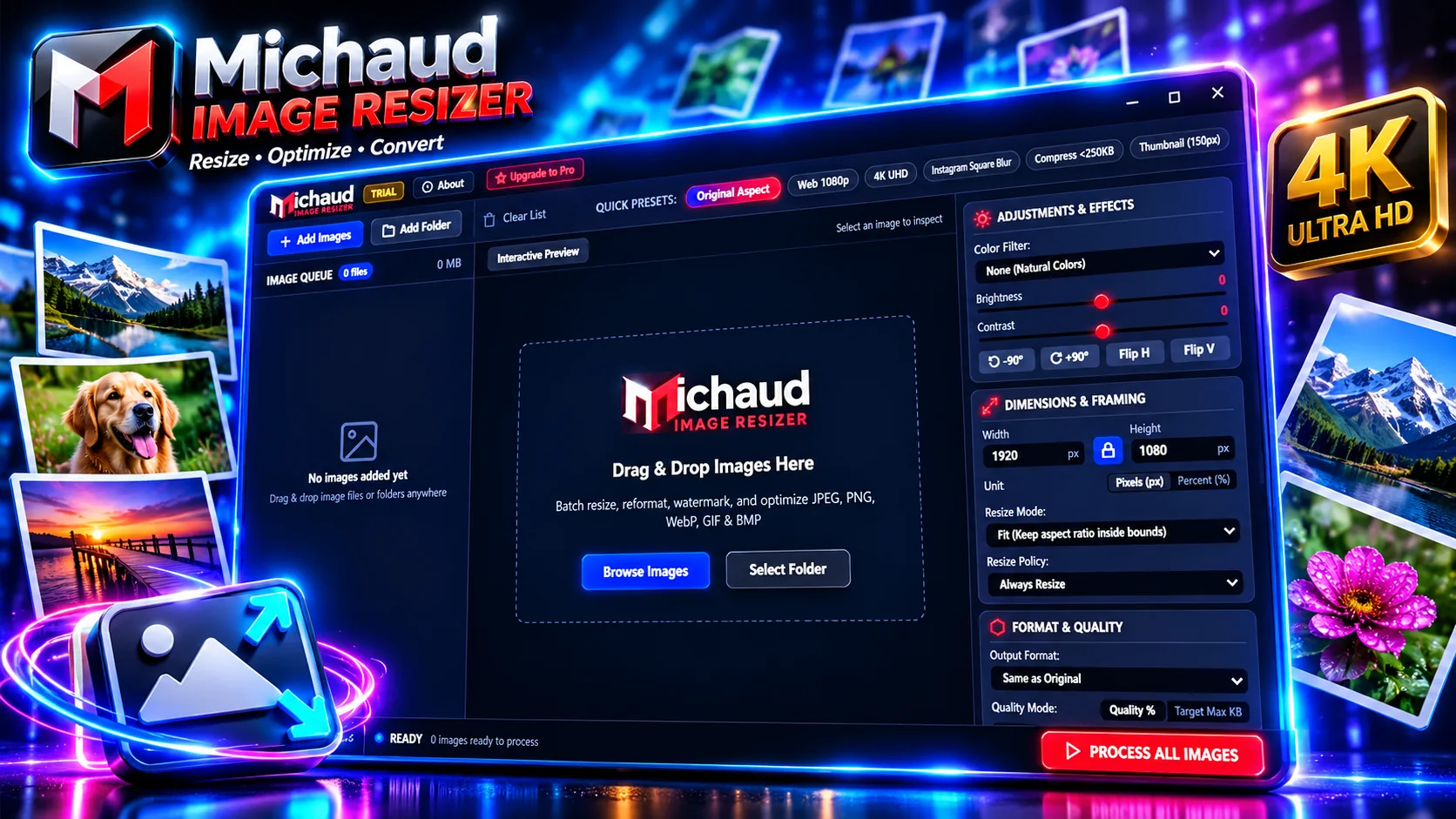
Save tons of storage space instantly! Shrink massive 4 MB–10 MB+ photos down to a few hundred KB with virtually zero visible pixel or sharpness loss. Our studio-grade offline batch image processor, format converter, and Target Max KB auto-optimizer processes single shots or thousands of photos with 5 framing modes, Instagram square blur, custom watermarks, and 100% local privacy.
✓ 100% Offline Local Processing • Zero Cloud Uploads • Instant Whop Key Activation • Windows PC & Android Mobile
Stop uploading private photos to slow web compressors with 5-file limits. Resize, reframe, watermark, and hit exact KB targets locally in seconds.
Drag and drop single photos, multi-selections, or entire nested folders. Use dynamic filename masks (%F name, %Wx%H size, %N counter, %P preset) to organize exports automatically.
Need images strictly under 250 KB or 500 KB for portals, e-commerce, or email? Our binary-search compression engine automatically finds the highest visual quality under your exact KB ceiling.
Choose Fit (proportional), Stretch, Smart Center Crop, Center Pad, or Instagram Square with Blurred Background—plus 1-click presets for 4K UHD, 1080p, 720p, and Social Media.
Convert seamlessly between JPEG, PNG, WebP, and BMP with a precision 10%–100% quality slider, resize policies (Always, Only Reduce, Only Enlarge), and original file timestamp preservation.
Fine-tune Brightness & Contrast, rotate (-90°/+90°), flip H/V, apply Grayscale, Sepia, Invert, or Vivid Enhance, and stamp custom copyright text watermarks across a 9-point anchor grid.
Every pixel is processed locally on your device's GPU/CPU—your personal or client photos never touch an external server. Available natively for Windows PC and Android devices.
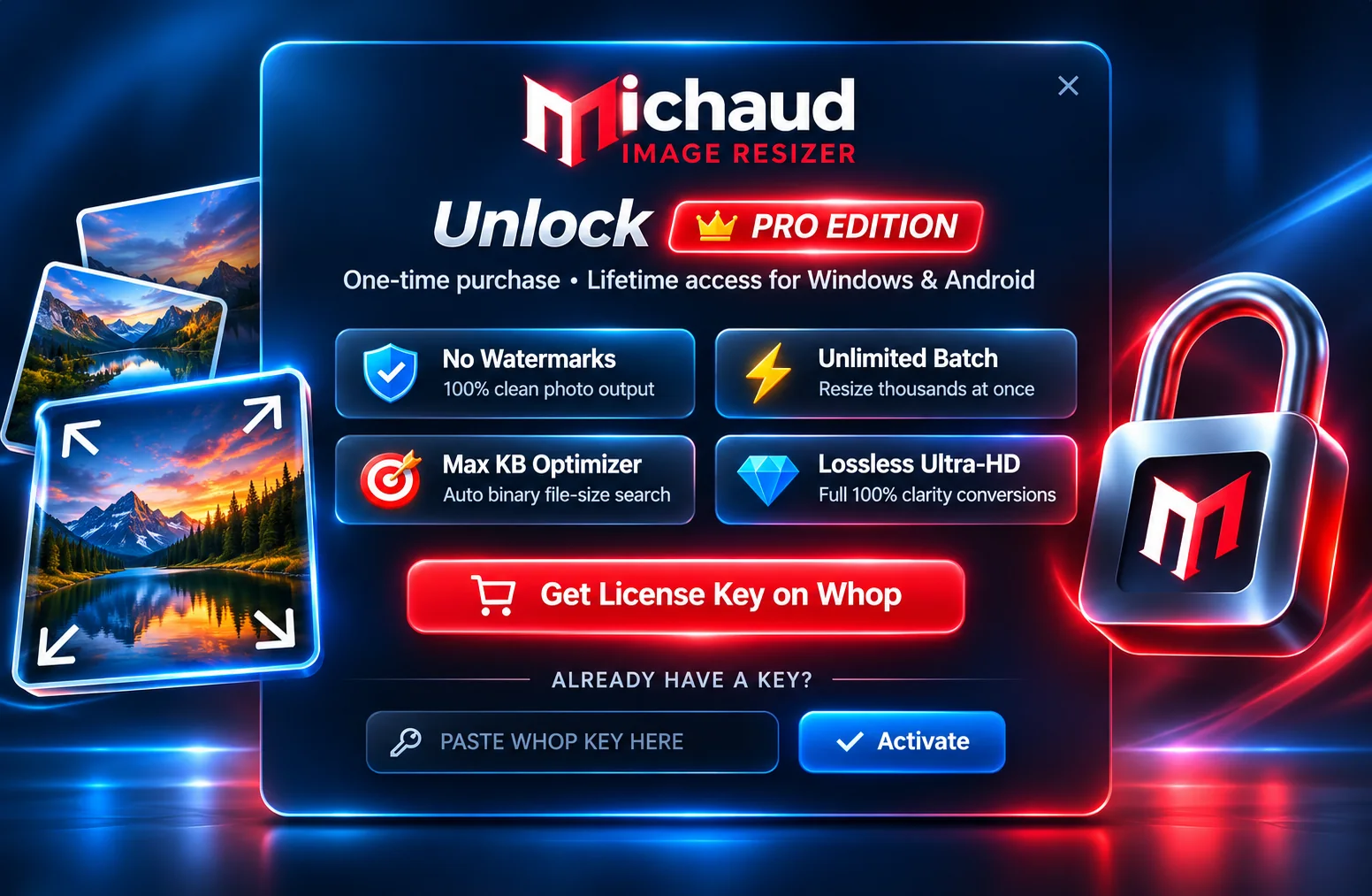
Test the full workspace in Free Trial mode, or unlock Pro Lifetime for unlimited watermark-free production.
| Capability | Free Trial | ★ Pro Lifetime ($5.99) |
|---|---|---|
| Batch Queue Capacity | Up to 5 images per batch | Unlimited (Thousands of Photos at Once) |
| Export Output Branding | Includes Trial Watermark Overlay | 100% Clean Output • Zero Trial Watermarks |
| Target Max KB Auto-Optimizer | Preview & Trial Test | Unlimited Binary-Search KB Optimization |
| 5 Framing Modes + Instagram Blur | Included | Included (Up to 4K Ultra-HD & Custom) |
| Custom Copyright Watermark Studio | Trial Mode | Full Custom Branding & 9-Point Anchor Grid |
| Multi-Format (JPEG, PNG, WebP, BMP) | Included | Lossless & Custom Quality + Date Preservation |
| Updates & Priority Support | Standard Releases | Lifetime Updates via Whop & Direct Support |
Never. Michaud Image Resizer processes 100% of your images locally on your computer or phone. It works completely offline, making it safe for confidential client photography, medical/legal documents, and personal albums.
Activating a Pro license key immediately removes the diagonal MICHAUD IMAGE RESIZER • TRIAL watermark from all exported images and unlocks unlimited batch queue sizes so you can process hundreds or thousands of files in a single click.
Simply enable Target Max KB and enter your maximum allowed file size (for example, 200 KB). The engine automatically performs a fast binary search across compression levels so every exported image lands right underneath your limit without guesswork.
Click the About button in the top titlebar at any time, or email us directly at michaud.player@gmail.com. We respond promptly to all support requests and feature suggestions.