Experience cinema-grade 4K playback, zero-buffering hardware decoding, and effortless remote playlist management on your big screen.
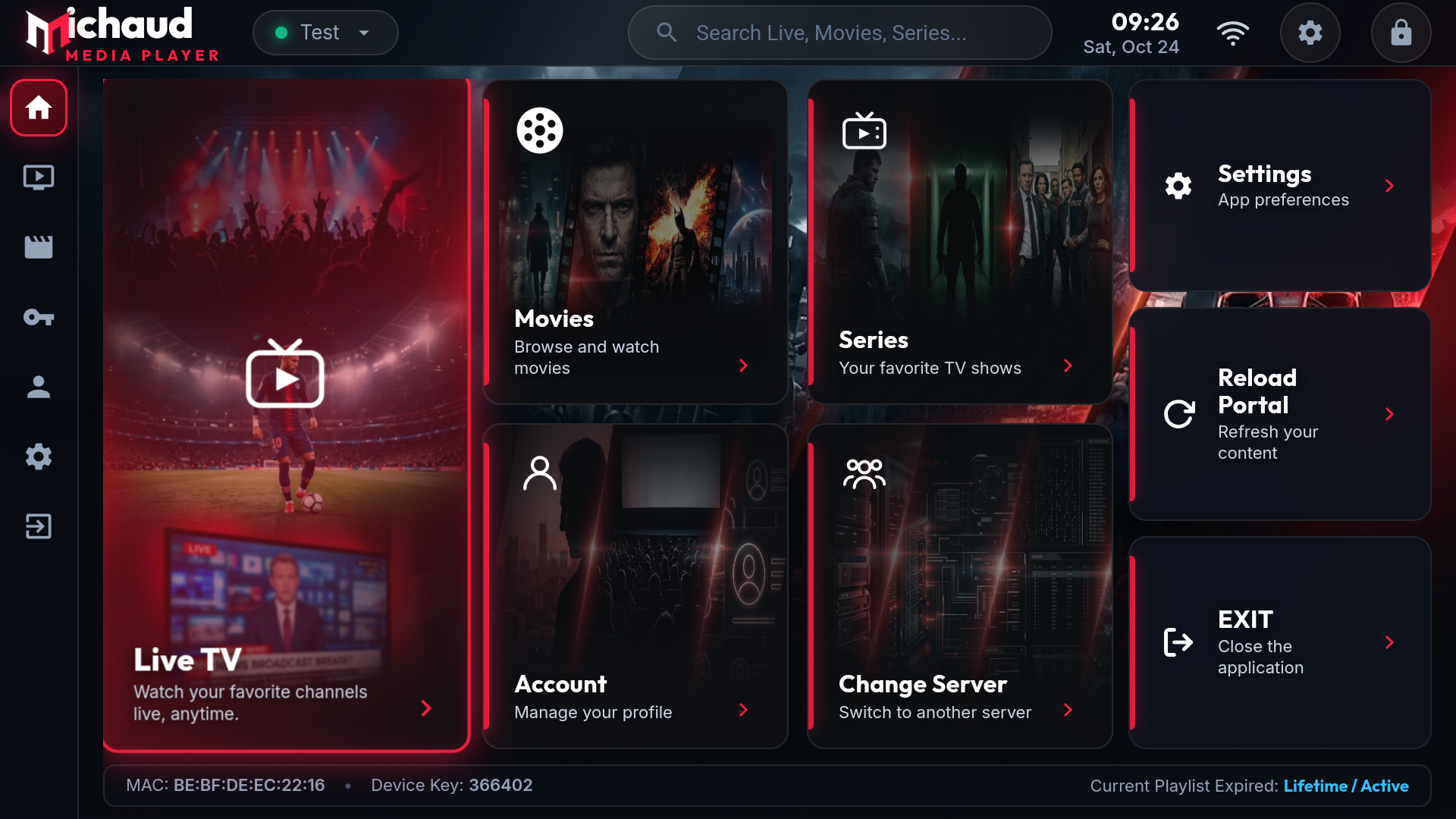
Michaud Player combines modern design with high-performance video rendering for butter-smooth streaming.
Native hardware acceleration for MPEG-TS and HLS streams. Enjoy sub-second channel switching and zero-buffering 4K/FHD playback.
Never struggle with a TV remote keyboard again. Scan the on-screen QR code with your phone camera to paste server URLs and passwords in seconds.
Clean, Netflix-inspired interface organizing your personal streams into Live TV with EPG, Movies VOD, TV Series, and 1-click Favorites.
Manage all your playlists remotely from any phone, tablet, or browser. Changes sync instantly to your TV in real-time without app reboots.
No complicated configurations. Start enjoying your media sources instantly.
Install the free Downloader app from the Amazon or Google Appstore and enter https://michaudplayer.com/download to install Michaud Player.
Launch Michaud Player on your TV to view your unique Device MAC Address and Device Key displayed on your screen.
Log in to the web portal below, enter your personal Xtream Codes or M3U stream URL, and your TV will immediately load your channels and movies!
Log in with your device credentials to assign, edit, or extend media playlists.
Enter this direct URL in the Downloader app on your Fire TV or Android TV box:
Are you an installer or hardware dealer? Get access to our private Reseller CMS and activate client TV devices at wholesale discount rates.
Contact us: michaud.player@gmail.com